
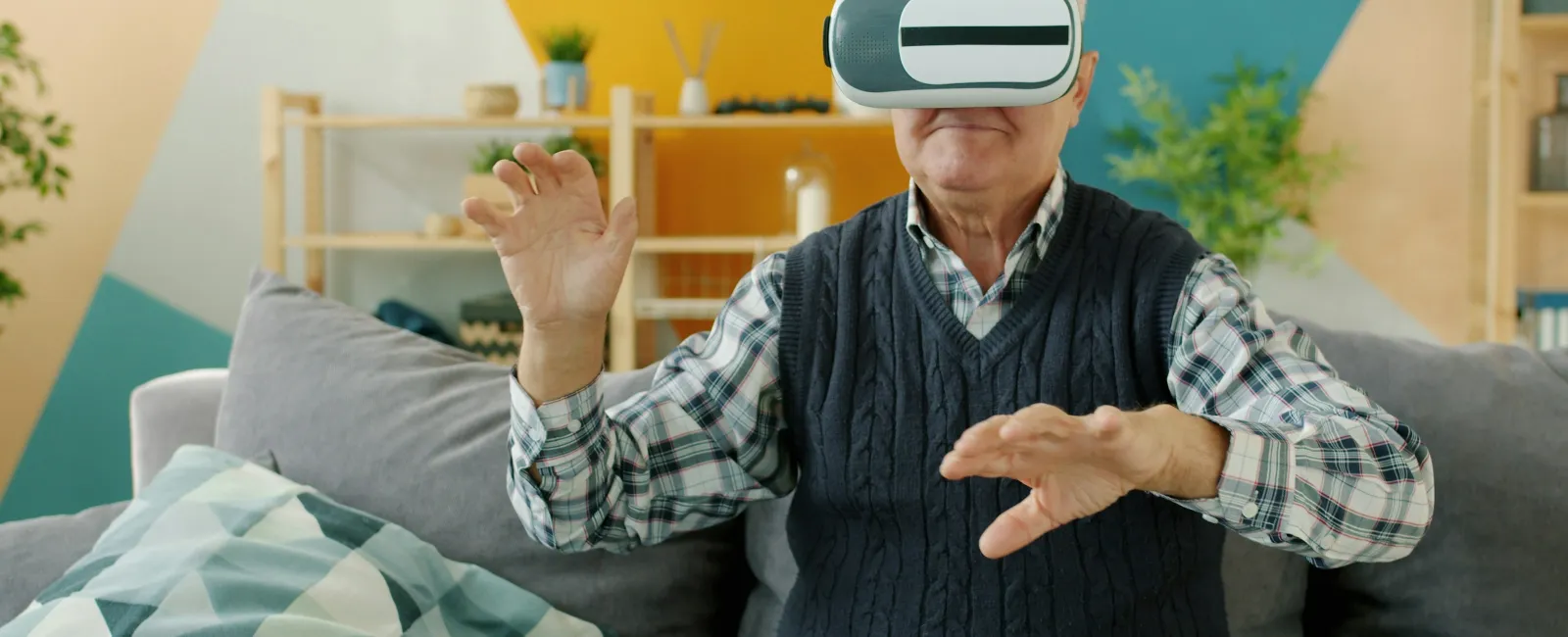
AI for Seniors: A Home Care Company's Honest Guide to What Actually Helps
A few months back, one of our caregivers walked into a client's home and found her 84-year-old client, Miss L, having a long, lively chat with Alexa about her late husband's favorite Hank Williams songs. Miss L's daughter lives in Charlotte. Her son lives in Seattle. She doesn't drive anymore. Most of her oldest girlfriends have passed on. And there she was, laughing in her kitchen with a little blue light on a speaker.
That moment got us thinking. We're a home care company. We've spent thousands of hours in homes with seniors of every personality, every cognitive level, every comfort level with technology. So when adult children started asking us whether ChatGPT is safe for mom, or whether one of those companion robots is worth the money, we figured we'd better have real answers.
This guide is what we've learned. The tools we've actually seen help. The ones that look great in commercials but flop in real life. The questions every family should ask before buying anything with "AI" on the box. And, just as important, what artificial intelligence cannot do, no matter how good it gets.
What This Guide Covers
- What "AI for Seniors" Actually Means in 2026
- What AI Is Genuinely Good at for Older Adults
- AI Tools for Seniors, Graded by Use Case
- What AI Cannot Replace (No Matter What the Ads Say)
- How to Introduce AI to an Aging Parent Without It Backfiring
- Red Flags to Watch for in AI Products Marketed to Seniors
- Where AI Fits Alongside Real Home Care
- Frequently Asked Questions
What "AI for Seniors" Actually Means in 2026
The phrase covers a lot of ground, and the marketing makes it worse... so let's keep this simple. When people talk about AI for seniors, they're usually talking about one of five things.
- Voice assistants. Amazon Alexa, Google Assistant, and Apple's Siri. These have been around a while, but they've gotten dramatically smarter. Today's Alexa can hold a real back-and-forth conversation, remember preferences, and even sound less robotic.
- Companion AI. Devices and apps designed specifically for connection. ElliQ is the best-known dedicated companion robot. ChatGPT's voice mode and apps like Replika fall in this bucket too.
- Smart safety tech. AI-powered fall detection on the Apple Watch, smart lamps that notice if someone's hit the floor, security cameras that can tell the difference between a family member and a stranger.
- Health and medication tools. Pill dispensers that nag (politely), reminder apps, and AI symptom checkers that aren't trying to sell you anything.
- Communication tools. Senior-friendly tablets, AI-powered photo frames that pull pictures from family phones, and video calling devices that make it easy to see grandkids without a fight with a passcode.
Most of these aren't new technology. What's new is how much smarter, faster, and more natural they've become in just the last year or two. The voice quality is better. The setup is easier. The mistakes are fewer. And the price has come down on a lot of it.
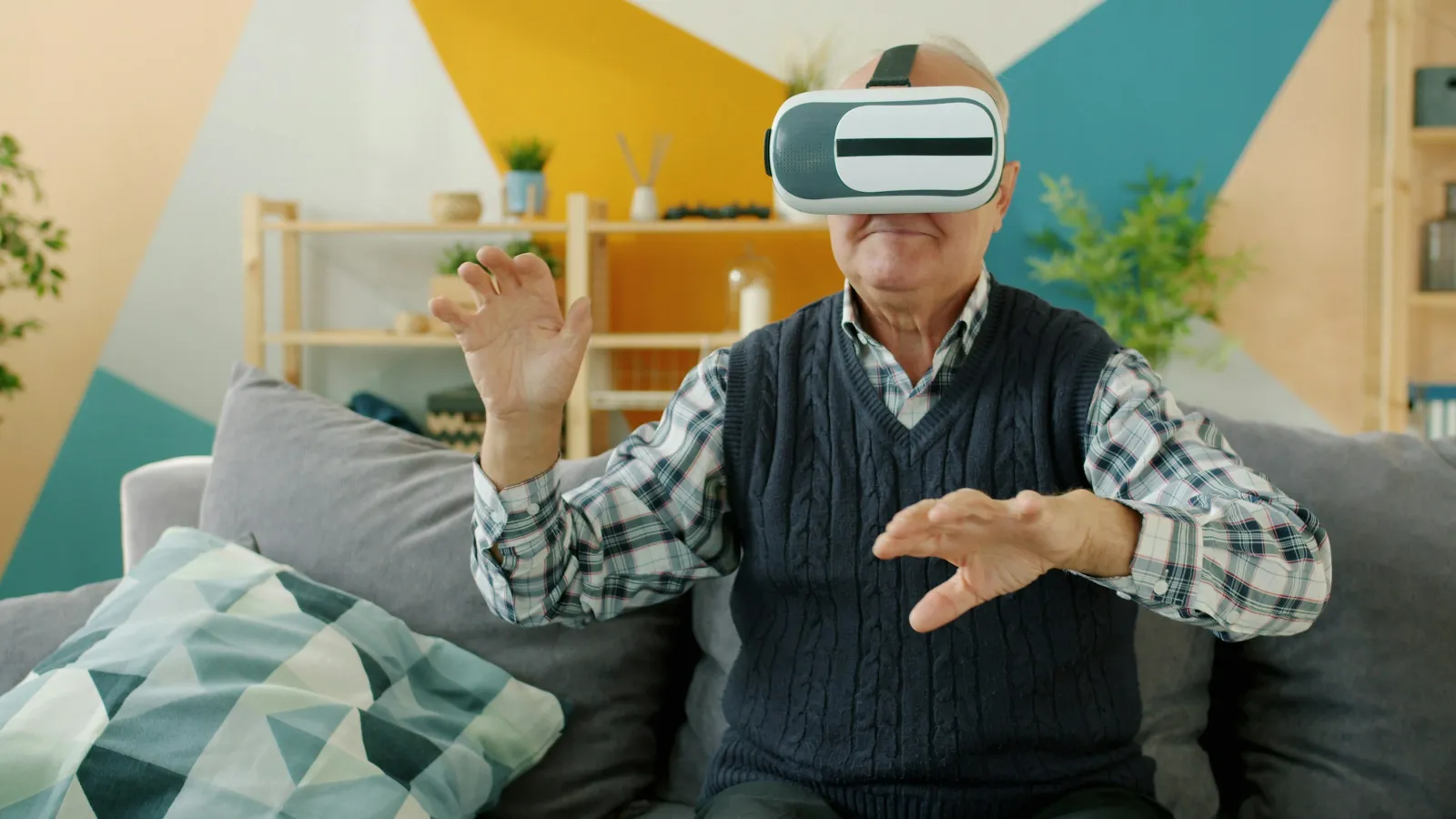
What AI Is Genuinely Good at for Older Adults
Let's be specific. Here's what we've seen actually improve day to day in real homes.
Loneliness, in small but meaningful doses. A voice assistant won't replace a friend, but a senior who lives alone and has lost most of her circle can possibly benefit from a device that responds, plays her favorite music, and answers her questions. Learn more about senior isolation.
Medication reminders. Forgetting medication is one of the most common reasons seniors end up back in the hospital. AI-powered pill dispensers and medication reminder systems are genuinely helpful, especially for clients on five or more medications.
Fall detection. The Apple Watch and a few newer smart-lamp products can detect a fall and call for help even when the senior can't. This isn't gimmick territory. It's saved lives!
Family connection. Senior-friendly tablets like GrandPad, smart displays like the Echo Show, and AI photo frames have made it easier for families spread across the country to stay in touch. We've watched grandkids in Denver send a video to Granddad in Georgia and have him watch it twenty seconds later, without anyone having to walk him through how to open an app.
Memory cues and routine support. For seniors with mild cognitive decline, having a voice assistant remind them what day it is, what's on the calendar, and when to take meds can ease anxiety and reduce calls to busy adult children.
Quick information. Weather, sports scores, news headlines, recipe questions, prayer reminders. Things that used to require a smartphone or a phone call. Now they're a sentence away.
Scam protection. AI is finally helping with the fraud problem instead of making it worse. Newer iPhones, Gmail, and several specialized apps use AI to flag suspicious calls, texts, and emails before they reach Mom or Dad. It's not perfect, but it's a real layer of protection.
AI Tools for Seniors, Graded by Use Case
Here's our assessment of the tools families ask us about most often.
| Use Case | Tool | Verdict | What It's Good For | Watch Out For |
|---|---|---|---|---|
| Companionship | Amazon Echo / Alexa | Try it | Affordable, easy setup, real conversation now possible, plays music and reads audiobooks | Privacy settings need attention, Amazon will push purchases |
| ElliQ | Worth a look | Built specifically for seniors, proactive check-ins, less intimidating than a phone | Pricier than alternatives, monthly subscription | |
| ChatGPT voice mode | Mixed | Surprisingly good conversation, helpful for tech-comfortable seniors | Requires a smartphone, can hallucinate facts, not ideal for cognitive decline | |
| Medication | Hero Pill Dispenser | Worth it | Locks medications, dispenses doses on schedule, alerts family if a dose is missed | Subscription model, learning curve for caregivers |
| Reminder Rosie | Try it | Records reminders in a loved one's own voice, no smartphone needed, very easy | Doesn't dispense meds, just reminds | |
| Safety & Fall Detection | Apple Watch (with fall detection) | Yes, with help | Auto-calls 911 after a fall, easy heart-rate and rhythm tracking, subtle, not stigmatizing | Setup is not senior-friendly, needs a family member's help |
| Nobi Smart Lamp | Worth a look | Detects falls without being worn, lights up at night automatically | Pricey, best for clients who won't wear a watch | |
| Smart cameras (Wyze, Ring, Nest) | Mixed | Family peace of mind, AI alerts for unusual activity | Privacy considerations, can feel intrusive, never the whole answer | |
| Family Communication | GrandPad | Worth it | Senior-specific tablet, big buttons, no junk, family curates the contact list | Subscription required, fewer apps |
| Echo Show / Skylight Frame | Try it | Drop-in video calling, family photos appear automatically | Auto-answer settings need to be configured for privacy | |
| Memory & Cognition | BrainHQ / Lumosity | Mixed | Daily mental exercise, may help maintain cognitive function | Not a treatment for dementia, claims often oversold |
| Scam Protection | iPhone Silence Unknown Callers + Spam filters | Free win | Built into the phone, blocks most scam calls and texts automatically | Occasionally blocks legitimate calls from doctors, set up family contacts first |
| Norton Genie / Trend Micro Check | Worth it | Let seniors paste a suspicious message and get a clear "this is a scam" answer | Requires the senior to remember to use it |
One pattern you'll notice. The best AI for seniors usually isn't the most advanced AI. It's the AI that's been packaged in a way an 80-year-old can actually use without calling their grandson three times a day.
What AI Cannot Replace (No Matter What the Ads Say)
This is the part of the conversation the tech companies don't love. But it's the most important part, so we're going to be real with you.
A hand on the shoulder. Touch matters. So does sitting next to someone in silence. Seniors who live alone are often touch-deprived in a way that's hard to describe and impossible for software to address.
Catching what isn't said. A good caregiver notices when Mama hasn't been eating, when her ankles look more swollen than yesterday, when her voice sounds tired in a different way. AI doesn't catch any of that yet, and probably won't anytime soon.
Real emergency response. An Apple Watch can call 911. It can't unlock the back door, sit with your dad until paramedics arrive, or tell the EMT which medications he takes and which one he stopped two days ago because it gave him diarrhea. Real people do that.
Companionship that goes both ways. Talking to a screen is fine. Being seen, heard, and remembered by another human is different. Even the best companion AI is, at the end of the day, performing.
Help with the human stuff. Bathing. Getting dressed. Fixing a meal that smells like home. Going to the doctor. Sitting at the bedside during a hospice transition. None of this is going to be done by a robot in our lifetime, and frankly, we hope it never is. Learn about Personal Care in Atlanta.
If a product promises to "replace caregivers" or "solve loneliness," that's the moment to walk away. The honest tools are the ones that say, "Here's the small problem we solve, and here's the bigger picture we fit into."
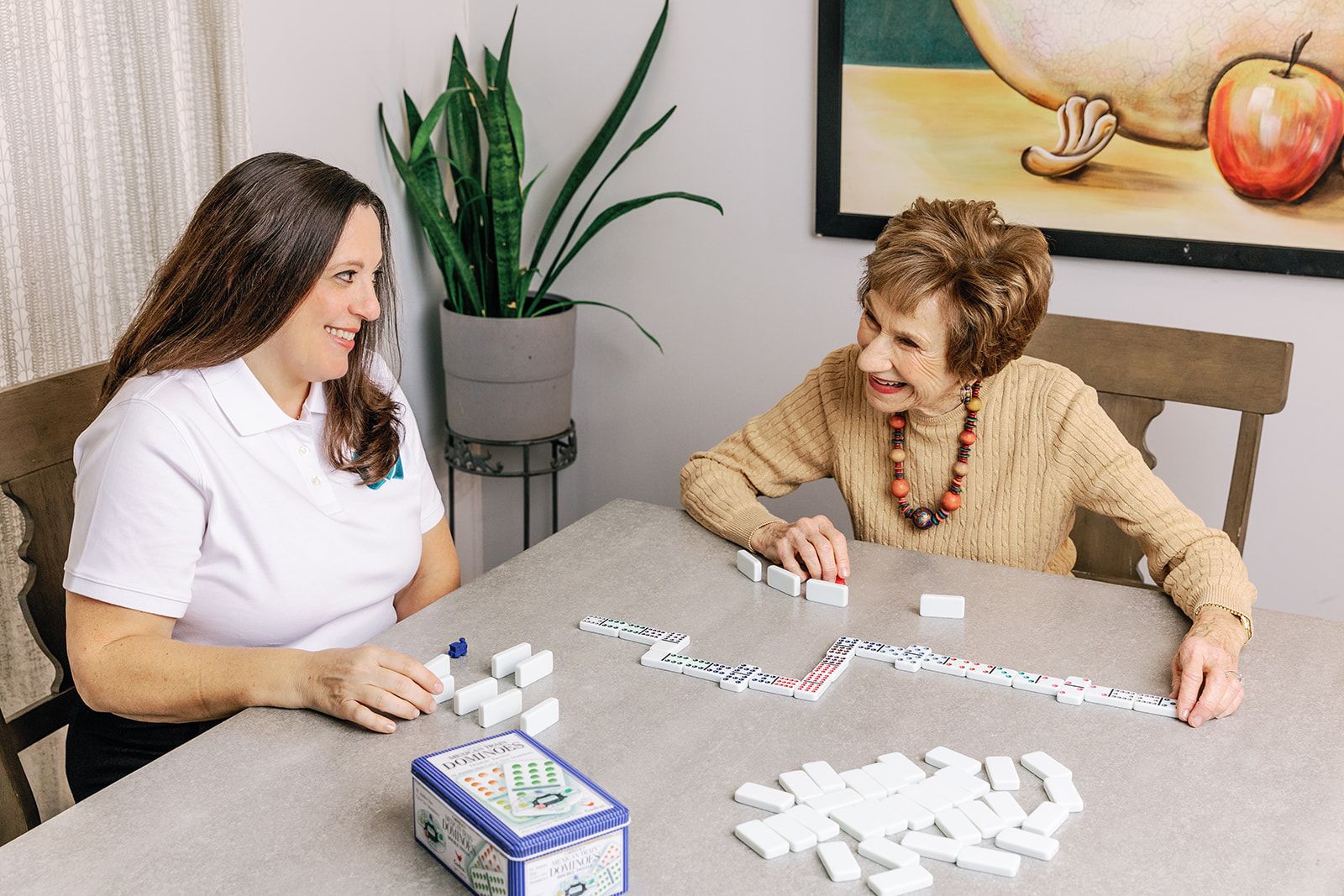
How to Introduce AI to an Aging Parent Without It Backfiring
We've seen families spend a thousand dollars on tech that ends up unplugged in a closet within three weeks. We've also seen a $50 Echo Dot transform a senior's daily mood. The difference usually isn't the tool. It's the rollout.
- Start with one thing. Pick the single biggest pain point and address it first. Don't set up six devices at once. You'll overwhelm everyone, including yourself.
- Pick something the family can actually support. Whatever you set up, you'll get phone calls about it for the first month. Choose tools you understand well enough to troubleshoot, or pick ones with good senior-focused customer service.
- Set it up together, not for them. Sit at the kitchen table. Walk through it three or four times. Let your loved one practice. Let them ask the same question twice. This part takes a Saturday afternoon, and it makes all the difference.
- Tie it to existing routines. Connect the new tool to something already happening. Coffee in the morning. The evening news. Calling the grandkids on Sunday. Routines stick. Standalone gadgets don't.
- Loop in the caregiver. If your parent has a professional caregiver coming in, show the caregiver how the tool works. They'll reinforce it during shifts and flag issues you can't see from out of town. This step alone doubles the success rate in our experience.
- Give it a month. New tech feels strange at first, even to us. Don't pull the plug on day three. Give it real time to become part of life.
Red Flags to Watch for in AI Products Marketed to Seniors
Senior-targeted tech is, unfortunately, full of products designed to extract money from worried families rather than actually help. Watch for these patterns.
- Subscription traps. A $99 device that requires a $39 monthly subscription to do anything useful. Read the fine print before you swipe the card.
- Privacy concerns. Some companion AI products record everything and use it to train models or sell to advertisers. Read the privacy policy, especially for tools marketed to people with dementia.
- Vague claims about "AI." If the product page says it uses AI but doesn't explain what the AI actually does, it's probably marketing dust on regular software.
- Companionship products that encourage dependency. Some apps are designed to be addictive in ways that are particularly concerning for vulnerable users. Watch for products that discourage outside relationships or push for more screen time.
- Anything that promises to "replace" human care. No exceptions. Any product making this claim either doesn't understand caregiving or is hoping you don't.
- Hard-to-cancel subscriptions. If you can't find the cancellation page on the website in under 60 seconds, that's the future you in three months trying to get out.
Where AI Fits Alongside Real Home Care
Here's how we think about it. The right combination is AI handling the predictable, repeatable, mechanical tasks, while a real caregiver handles the human, contextual, unpredictable ones.
A pill dispenser reminds Mama to take her morning meds. The caregiver notices that she's been forgetting them more often than usual, mentions it to the family, and the doctor reviews her medication list at the next visit.
The Apple Watch detects a fall and calls 911. The caregiver who knows Daddy's house, his routine, and his medical history is the one who calls his daughter, opens the door for paramedics, and packs his hospital bag.
Alexa keeps Granddaddy company on the long afternoons between visits. The caregiver who comes by three days a week is the one who knows he's been quieter than usual lately, that his ankles have been bothering him, and that he hasn't talked about his late wife in two weeks, which is worth noting.
That's the model that works. Tech does the small, dependable jobs. People do the big, human ones. Together, they let more seniors age in their own homes, with their own routines, surrounded by their own things, for longer than either could manage alone.
Frequently Asked Questions
What is the best AI assistant for seniors?
For most older adults, Amazon's Echo with Alexa is the best place to start. It's affordable, easy to set up, works without a smartphone, and the conversation quality has improved dramatically. For seniors who want something built specifically for them, ElliQ is worth a look, though it costs more. For seniors comfortable with smartphones, ChatGPT's voice mode is impressive, with the caveat that it can occasionally get facts wrong.
Is AI safe for seniors with dementia?
It depends on the tool and the stage. Simple voice assistants and pill dispensers can be helpful in early-stage dementia, especially for routine reminders. Complex companion AI tools that hold long, evolving conversations can be confusing or distressing for someone with mid- to late-stage dementia. Always introduce new technology slowly, with family or a trained caregiver present, and remove any tool that seems to be causing more anxiety than it relieves.
Can AI replace a caregiver?
No, and any product that says otherwise should be avoided. AI is excellent at predictable, repeatable tasks like reminders, basic conversation, and fall detection. It cannot bathe, dress, cook, drive, observe subtle changes in health, or provide real human presence. The best outcomes come from combining smart technology with real human caregiving.
Are AI companion robots like ElliQ worth the money?
For the right person, yes. ElliQ and similar dedicated companion devices work well for seniors who live alone, are open to technology, and would benefit from proactive check-ins. They're less successful for seniors with significant cognitive decline or those who prefer paper, phone, and in-person connection. Most agencies recommend a free trial before committing to a year of payments.
How can I keep my parent safe from AI scams?
Three steps go a long way. First, turn on built-in scam filters in their phone, email, and text apps. Second, install a free tool like Norton Genie that lets them paste a suspicious message and get a quick verdict. Third, talk openly about scams. The biggest protection isn't software, it's a senior who knows that legitimate companies don't ask for gift cards, that the IRS doesn't call, and that grandchildren aren't usually in jail asking for wire transfers.
What's the easiest AI tool to set up for a parent who isn't tech-savvy?
Reminder Rosie is hands down one of the easiest. It looks like a clock, you record reminders in your own voice, and there's nothing for your parent to set up. The Echo Dot with a few pre-configured routines is also very approachable. The Apple Watch is powerful but requires real setup help from a family member.
Should I use cameras to check on my aging parent?
Cameras are a personal call, and we'd encourage you to involve your parent in the decision. They can be reassuring, especially for adult children who live far away. They can also feel intrusive, particularly to seniors who value their privacy. If you do use them, place them in shared living areas only, never bedrooms or bathrooms, and tell your parent they're there.
How does AI work alongside professional home care?
The best home care providers welcome smart technology and use it to deliver better care. AI handles routine reminders, monitors safety in the gaps between visits, and keeps families informed. The caregiver provides the human presence, the observation, and the help that no algorithm can. When it's set up well, families get more peace of mind, seniors get more independence, and caregivers spend more time on what actually matters.
Thinking About Care for Someone You Love?
Technology is wonderful. Real, attentive home care is irreplaceable. If you're trying to figure out the right blend for your family, we'd love to help you think it through. We've sat with hundreds of families at this exact crossroads. Reach out anytime for an honest conversation about what your loved one needs and we'll guide you to the right path.